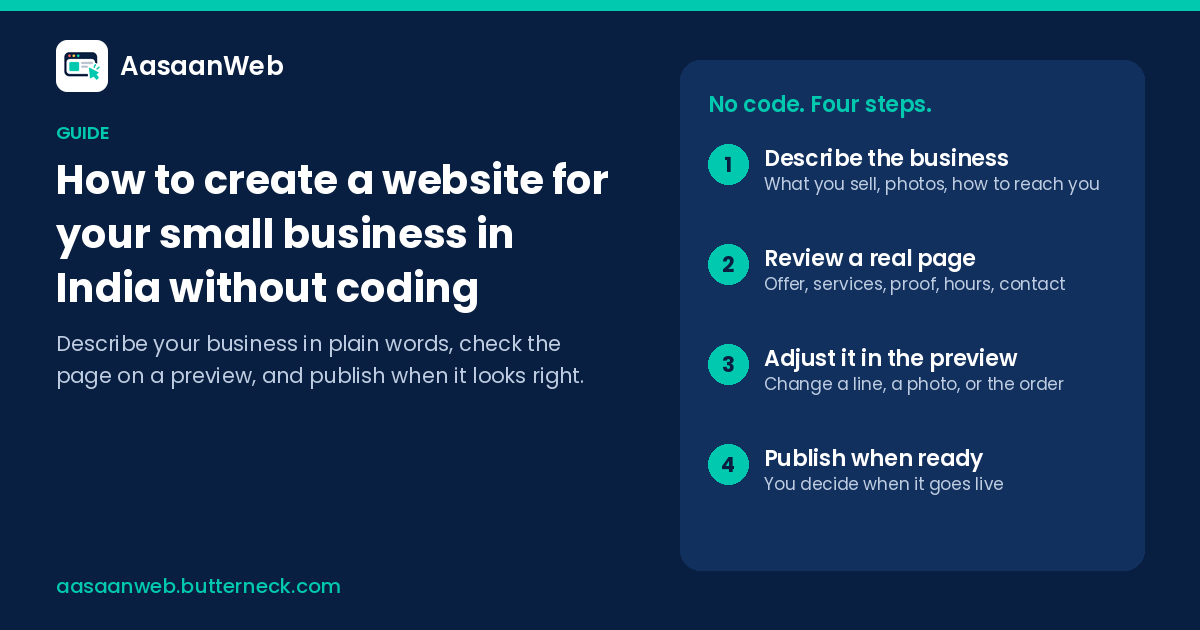
Most small business owners in India do not need a big website. You need one clear page that tells a customer what you do, where you are, when you are open, and how to reach you. That page should be easy to change when your prices, photos or timings change.
This guide walks through the whole thing in plain steps. You will not need to write code, and you will not need to learn design software.
Quick answer: You can create a small business website in India without coding by starting with one clear page. Decide what visitors should do, gather your name, phone and WhatsApp number, address, hours and real photos, and have the page built from that. Check it on a preview on your phone, put it online, and keep it up to date.
Step 1: Decide what the page is for
Before you think about colours or fonts, answer one question: what should a visitor do after reading your page?
For most local businesses the answer is one of these:
- Call you or send a WhatsApp message
- Visit the shop, clinic or studio
- Book a slot or a class
- Ask for a quote or a price list
Pick the one that matters most. Everything on the page should make that action easy. A salon wants bookings. A coaching class wants parents to call. A hardware supplier wants enquiries with a part number. Write your answer down in one line, because you will use it again.
Step 2: Collect what you already have
You already have most of what a good page needs. Spend twenty minutes gathering it in one place, such as a note on your phone:
- Business name and one line that says what you sell and where. For example: "Fresh cakes and custom orders in Indiranagar, Bengaluru."
- Phone and WhatsApp number that someone actually answers.
- Address and a landmark people recognise.
- Opening hours, including the weekly off day and any half days.
- 4 to 8 real photos: the shop front, the counter, your work, your team. Clear phone photos taken in daylight are better than stock images.
- Your main products or services, written the way customers ask for them.
- What makes you different: home delivery, same-day service, 20 years in the same lane, a speciality nobody else nearby offers.
If you have a Google Business Profile, an Instagram page or a printed visiting card, look at them too. They often contain wording you have already tested with customers.
Step 3: Choose how the page gets built
There are three common ways to get a small business website in India. Each has its place.
Hire a developer or agency. You can get a polished result, and someone else handles the technical side. The catch is the small changes later. A new photo, a festival offer or a change in Sunday timing means sending a message and waiting for them to find time.
Use a template website builder. You pick a template and fill it in yourself. This works if you enjoy setting things up, but you start with an empty layout and have to decide every heading, section and setting on your own, usually while also running the business.
Describe your business and let the page be made for you. Tools like AasaanWeb take what you tell them about the business, in plain words, and turn it into a complete landing page. You then look at the page and say what should be different.
Whichever route you take, judge it by two things: how quickly you get a clear first page, and how easy it is to change that page next month.
Step 4: Write for the customer, not for yourself
When the first version of the page is ready, read it as if you were a stranger standing outside your shop with a phone in your hand. Ask:
- In the first few seconds, can I tell what this business sells and where it is?
- Can I find the phone number or WhatsApp button without scrolling forever?
- Are the opening hours correct today?
- Do the photos look like the real place?
Use simple, specific words. "Same-day blouse stitching, ready by 7 pm" says more than "Quality tailoring services." If customers ask you the same question every day, answer it on the page.
Step 5: Check it on a preview before anyone sees it
Never change a live page blindly. A good setup gives you a preview: the page exactly as a customer would see it, before it is public. On AasaanWeb, every change shows on the preview first, and nothing goes public until you decide to publish.
Open the preview on your own phone, because most of your customers will. Tap the call button. Tap the WhatsApp button. Check that the map or address is right. Ask a family member or a regular customer to look at it for one minute and tell you what they noticed first.
Step 6: Put it online
Your page needs a web address and somewhere to live (hosting). With AasaanWeb, you arrange the hosting and the domain name yourself, and the team helps with putting the finished site online.
When choosing a domain name, keep it short and close to your business name. Avoid hyphens and odd spellings that are hard to say over the phone.
Step 7: Keep it up to date
A website that shows last year's prices or old timings does more harm than good. Customers who arrive at a closed shutter rarely come back.
Make a habit of checking the page whenever something changes:
- New product or service added, or one dropped
- Festival or seasonal timing
- New photos of recent work
- A change in phone number or address
This is where the build method matters most. If every edit depends on someone else, small fixes wait for weeks. With AasaanWeb you point at the part that is out of date and describe the fix in ordinary language, see it on the preview, and publish when it looks right.
Common mistakes to avoid
- Too many pages. A single clear page often beats five thin ones. Start with one and add more only when customers need it.
- No clear action. If the call or WhatsApp button is hidden, visitors leave.
- Stock photos only. Real photos of your shop and work build trust faster.
- Outdated hours. This is the most common complaint about local business information online.
- Copying a big brand's website. Large companies have different goals. Your page needs to answer a local customer's practical questions.
A simple checklist before you share the link
- Business name and one-line description at the top
- Call and WhatsApp buttons that work on a phone
- Address, landmark and opening hours
- Real photos
- Main products or services
- Checked on a preview on your own phone
Once it is live, put the link everywhere customers already find you: your WhatsApp Business profile, Instagram bio, Google Business Profile, visiting cards and the board outside your shop.
Start with one page
You do not need to know how websites are built to have a good one. You need clear information about your business and a way to keep it current. If you would like the page made from what you tell us, and to change it yourself on a preview, start your page on AasaanWeb.
Questions
Can I make a business website without coding?
Yes. You need clear information about your business and a way to keep it current, not knowledge of how websites are built. Tools like AasaanWeb take what you tell them about the business, in plain words, and turn it into a complete landing page.
What should a one-page small business website include?
Your business name and a one-line description at the top, call and WhatsApp buttons that work on a phone, your address, landmark and opening hours, real photos, and your main products or services.
How do I keep my website up to date?
Check the page whenever something changes: a product added or dropped, festival or seasonal timings, new photos of recent work, or a new phone number or address. Choose a setup where you can describe the fix yourself, see it on a preview, and publish when it looks right.