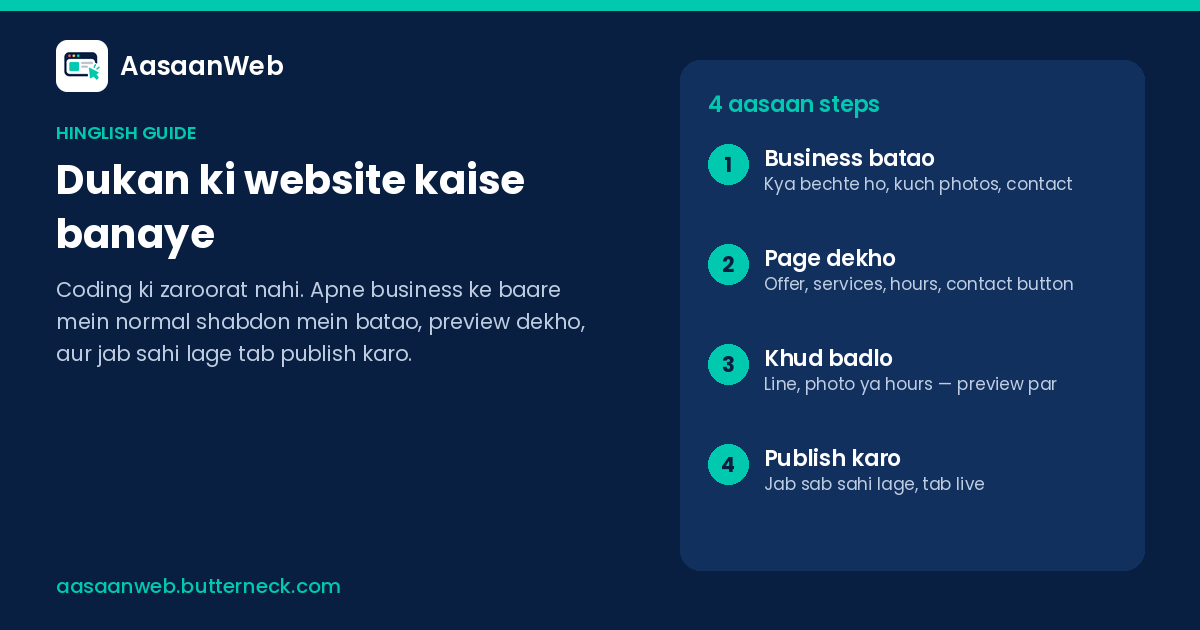
Quick answer: A dental clinic website usually only needs one clear page: which treatments you offer, when you are open, where you are, a little proof patients can trust, and a button to call or message you. The hard part is keeping hours, holiday closures and new services correct. With AasaanWeb you describe the page, or a change, in plain words, check it on a preview, and publish it yourself. Small changes go live in about 10 minutes.
Why a clinic page matters more than a visiting card Patients search your clinic name, a treatment, or the area before they call. They want to know three things quickly: do you do what they need, are you open when they can come, and how do they reach you. If that answer lives only on a printed card or an old Facebook photo, they try the next clinic. One page you can share on WhatsApp, on your Google listing, and in SMS does that job every day.
What to put on a dental clinic landing page 1. A headline that says who and where. For example: "Family dental clinic in [your area]" or "Root canal and cleaning, near [landmark]." 2. Services in short lines. Cleaning, filling, root canal, braces, implants — only what you actually offer. Retire a service the day you stop it. 3. Hours and holidays. Weekday and Saturday timings, lunch break if you have one, and a clear line when you are closed for a festival. 4. Location. Address, landmark, and a simple map link if you already have one elsewhere; patients care that the pin matches the door. 5. Proof. A real photo of the clinic or chair, years in practice, or registrations you are allowed to show. Only real facts. 6. Common questions. First visit, emergency hours, whether you take walk-ins. Answer them once on the page instead of on every call. 7. A call or WhatsApp button where people see it first on a phone — the same advice our own WhatsApp guide gives shop owners.
Fees: some clinics list them, many prefer "call for details". Either is fine; keep whatever you show accurate.
The real problem: hours and services go stale Holiday closures, a new Saturday slot, a doctor on leave, a treatment you have started offering — these change often. A page that still shows last year's hours sends patients to a closed door. Usually the fix waits on whoever built the site.
On AasaanWeb, the pieces that go stale first are the ones you change yourself: headlines and offers, photos, hours, address and phone, prices and services, buttons, and FAQ or proof sections. You say it the way you would say it out loud, for example:
- "We are closed Diwali week. Put that near the hours."
- "Saturday hours are 10 to 2, not 10 to 6."
- "Add teeth whitening under services."
- "The phone number in the footer is old. Use the new one."
- "Put the call button above the fold on phones."
Every change shows on a preview first, as patients will see it. Asking for a change does not put it live by itself; you publish when it looks right. Small changes go live in about 10 minutes. You do not need to know how websites are built. If Hindi is easier for your team, help in Hindi is available when you describe the business or a change.
One page is enough for most single-location clinics AasaanWeb is built for the landing page people actually arrive on, not for large multi-page sites. For most single-location dental clinics, one page covers services, hours, place and contact. If you need online payments, patient logins or a full records system, you need a bigger clinical product; that is a different job.
See real pages AasaanWeb pages for real businesses — for example Parmanand Industries (Jamnagar), Shivam Industries (Rajkot) and EL360 — are on Our work. Each one says what the business does and gives a customer a way to call, visit or send a message. Clinics are named as part of the audience AasaanWeb is for, alongside shops, studios and manufacturers.
Ready to put your clinic hours online? Create your page on AasaanWeb →
FAQ ### What should a dental clinic website include?
Services you offer, open hours and holiday notes, address, a little real proof, answers to common questions, and a call or WhatsApp button that is easy to tap on a phone.
Is one page enough for a dental clinic?
For most single-location clinics, yes. Patients check treatments, timings, location and how to reach you; one clear landing page can cover all four. AasaanWeb is built for that landing page, not for large multi-page sites.
How do I update clinic hours on my website?
With AasaanWeb you write the change in plain words — for example "Saturday hours are 10 to 2" — check it on a preview, and publish it yourself. Small changes go live in about 10 minutes.
Do I need to know coding to make a clinic website?
No. You describe the clinic, or the change, in ordinary language, and what you review is the page itself.
Can I add a WhatsApp button for appointments?
Yes. Put a clear WhatsApp or call button where patients see it first, and keep the number correct the same way you update hours — describe the fix, preview, then publish.